

7 Best Free QR Code Generators in 2026 (Tested)
We tested the top free QR code generators in 2026. Honest look at what you actually get free, what costs money, and which tool fits your needs.
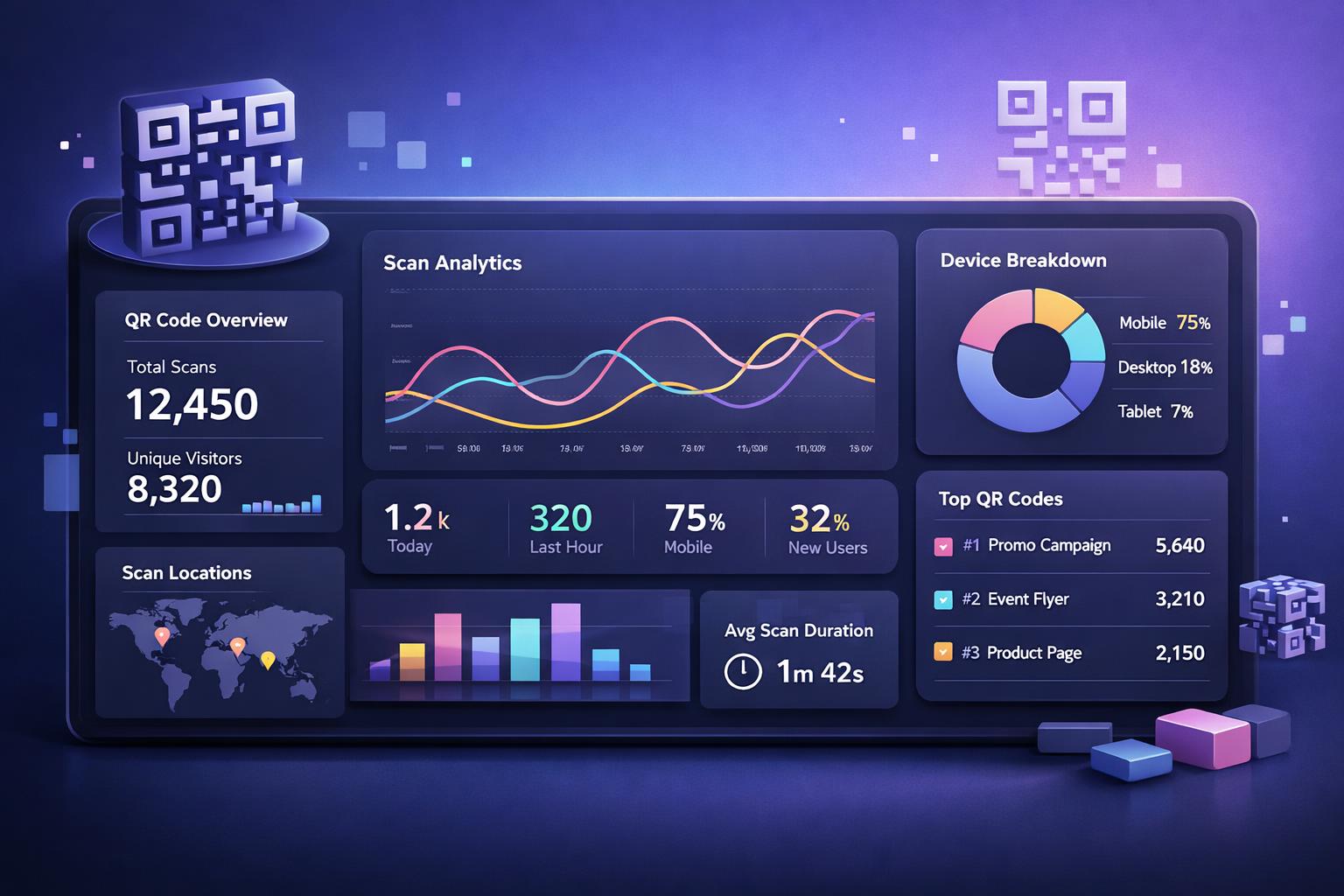
"Free QR code generator" sounds simple. In practice, most tools that claim to be free are really free for one thing: a static code that links to a URL and can never be changed.
That's fine for a lot of situations. If you're putting a QR code on a wedding invitation or a one-time event poster, static is all you need. But if you're running an ongoing campaign, printing codes on product packaging, or want to know whether anyone actually scanned that thing you printed 200 of, you need something more.
Here's an honest look at seven generators worth your time in 2026 - what they do free, where they fall short, and which one fits which situation.
How we picked these tools
We looked at each tool across five things that actually matter: how much is genuinely free (no account required, no watermark, no time bomb), whether you can edit the destination after printing, whether you get scan analytics, print-quality export (especially SVG), and how fast you can get from zero to a downloaded code.
We're not going to pretend QRhubly isn't our product. It's on this list. We'll tell you when the others beat us at something.
1. QRhubly - Best for dynamic codes and scan analytics
qrhubly.com | Free to start, Pro $7/mo or $59/yr
QRhubly is built around two things static generators can't touch: editing the destination after the code is printed, and seeing every scan in a dashboard. Print 500 flyers, realize the URL was wrong the next morning, fix the destination in QRhubly, and every printed code still works. No reprint needed.
The free tier lets you create unlimited static codes with no account (the homepage generator handles that). Dynamic codes on the free tier stay live for 7 days or 50 scans, then pause until you upgrade. That's a real limit worth knowing upfront. Dynamic codes cost money to host, which is why every platform caps them somehow. The Pro plan at $7/month removes the limit and unlocks full scan analytics showing when, where, and on what device each scan happened.
Best for: Anyone printing codes on physical materials, running campaigns they want to measure, or putting codes on packaging where the destination might change.
The honest catch: If you genuinely need a one-off static code that will never change and never needs tracking, use the free homepage generator. You don't need a Pro account for that.
2. QR Code Monkey - Best free static generator
qrcode-monkey.com | Completely free, no account required
QR Code Monkey is the best tool on this list for free, high-quality static codes. No signup. No watermark. No time limit. PNG, SVG, PDF, and EPS export are all free, at resolutions up to 2,000px. The customization options are genuinely good for a free tool: colors, gradients, dot shapes, logo upload, frames.
This is the tool to use when you have a stable, permanent URL and just need a clean, print-ready code fast.
Best for: One-time print runs where the destination won't change. Business cards, event posters, packaging with a locked-in URL, personal projects.
The honest catch: No dynamic codes at all. If the URL you encoded ever changes, the code is dead. You'll need to reprint. For ongoing campaigns, this matters.
3. QR Tiger - Best feature depth on paid plans
qrcode-tiger.com | Free tier available, paid from $7/mo
QR Tiger has one of the deepest feature sets in the market: dynamic codes, scan analytics, bulk generation, integrations, and solid customization. For teams with genuine QR code management needs, the paid plans are capable.
The free tier needs some careful reading before you commit. You get a handful of dynamic codes with a total scan cap across all of them. Once you hit that cap, the codes show an error page to anyone who scans them. For testing, this works fine. For anything printed and distributed in the real world, hitting that wall mid-campaign is a problem. Also, SVG export is locked behind paid plans - if you need vector files for print on the free tier, you'll need a different tool.
Best for: Teams who want a feature-heavy paid plan with analytics, integrations, and campaign management.
The honest catch: Treat the free dynamic codes as a testing sandbox only. Don't print them on materials that will be in the wild.
4. Canva - Best for design workflows
canva.com | Free with account, Canva Pro $15/mo
If you're already using Canva to design marketing materials, the built-in QR code generator saves a step. You can drop a code directly into a poster, flyer, or business card without switching apps. The design integration is the whole point here.
The QR functionality itself is basic: URL codes, static only, no analytics, and export quality that's decent but not as print-sharp as dedicated tools. The value is entirely in how it fits into a Canva-centric design workflow.
If you're a Canva user who wants more control over QR customization or needs a code that works with Canva but can also be edited and tracked later, the Canva QR code alternative guide is worth reading.
Best for: Designers already working in Canva who want QR codes as part of a larger layout.
The honest catch: Requires a Canva account. No analytics, no dynamic codes, and limited export control compared to QR-specific tools.
Make this QR code with QRhubly. Free to start, no card required. Edit the destination anytime and see every scan.
Try dynamic free5. Adobe Express - Best quick static code for Adobe users
adobe.com/express | Free with Adobe account
Adobe Express generates basic URL QR codes in seconds. Clean interface, no watermark on the code itself, decent PNG export. If you already have an Adobe account, it's the fastest path to a static code you can drop straight into an Illustrator or Photoshop file.
The export quality is acceptable but not print-optimized at the level of QR Code Monkey's SVG/EPS output. Static only, no analytics.
Best for: Adobe Creative Cloud users who need a quick static code for a design file.
The honest catch: Requires Adobe account signup. No dynamic codes, no analytics, and weaker export options compared to dedicated tools.
6. GoQR.me - Best for speed and raw simplicity
goqr.me | Free, no account
GoQR is as minimal as a QR generator gets. Paste a URL, download a PNG. No account, no friction, no customization to speak of. It also exposes a simple API for developers who need to generate codes programmatically at volume.
Best for: Developers, quick personal use, situations where you just need a working static code in under 10 seconds.
The honest catch: No customization beyond basic size/format settings. No analytics, no dynamic codes. Useful precisely because it doesn't try to be more than it is.
7. Bitly - Best for link management and QR in one dashboard
bitly.com | Free tier very limited, paid from $8/mo
Bitly made its name as a link shortener and added QR code generation later. If you're already using Bitly to track clicks on short links, the QR feature is a natural extension - one dashboard, one place to see link and QR scan data together. The analytics are solid.
The free tier is genuinely limited: very few short links and minimal QR functionality. Bitly is really a paid product; the free tier functions as a preview.
Best for: Teams already paying for Bitly for link management who want QR codes in the same place.
The honest catch: Expensive relative to dedicated QR tools. Not worth switching to Bitly just for QR codes.
Side-by-side comparison
| Tool | Free static | Free dynamic | SVG export | Scan analytics | Edit after print |
|---|---|---|---|---|---|
| QRhubly | ✅ | ⚠️ 7 days/50 scans | ✅ | ✅ paid | ✅ paid |
| QR Code Monkey | ✅ | ❌ | ✅ | ❌ | ❌ |
| QR Tiger | ✅ | ⚠️ scan cap | ⚠️ paid only | ✅ paid | ✅ paid |
| Canva | ✅ | ❌ | ⚠️ limited | ❌ | ❌ |
| Adobe Express | ✅ | ❌ | ⚠️ limited | ❌ | ❌ |
| GoQR.me | ✅ | ❌ | ✅ | ❌ | ❌ |
| Bitly | ⚠️ very limited | ⚠️ paid | ✅ | ✅ paid | ✅ paid |
The mistake most people make when choosing
They pick a tool based on what they need today, without thinking about what happens six months from now.
You print 300 flyers with a static QR code from QR Code Monkey (genuinely the right call for a static code, by the way). Three months later you redesign your landing page and the old URL stops working. Every one of those flyers is pointing to a 404 page. You can't fix it without reprinting.
That's the core argument for dynamic codes: the pattern on paper stays fixed, but you control where it points from a dashboard. Swap the URL, update the menu, redirect to a seasonal offer. The printed material keeps working.
Whether that flexibility is worth a monthly subscription depends on what you're printing and how often things change. For a truly permanent link that won't ever change, static is the right call and QR Code Monkey is the best free option. For anything with a moving target, dynamic makes the math work in your favor quickly.
If you want to go deeper on the mechanics, the dynamic vs. static QR code guide covers how each type works and which situations call for which.
Where scan analytics actually matter
If you put a QR code on a physical item and have no idea whether anyone scanned it, you're guessing at whether the effort was worth it.
Scan analytics tell you when scans happened, what device was used, and sometimes rough location data. That matters for comparing two placements (the code on the front of the packaging vs. the shelf card next to it), identifying peak scan times, or proving to a client that the print campaign performed.
None of the free static tools on this list offer analytics. QR Tiger includes basic analytics on paid plans. QRhubly includes scan tracking on Pro ($7/month), and even the free trial shows total scans so you can see the data before you commit.
For a walkthrough of what QR scan data looks like and how to act on it, see how to track QR code scans.
And if a code stops working mid-campaign, why your QR code stopped working covers the most common causes and fixes.
FAQ
Which QR code generator is completely free with no limits?
QR Code Monkey is the most genuinely free option for static codes: no account, no watermark, no expiration, and strong SVG/PDF/EPS export. GoQR.me is similarly free but with fewer customization options. Neither tool offers dynamic codes or analytics.
Can I edit a QR code after printing it?
Only if it's a dynamic QR code. Static codes bake the destination directly into the pattern and can't be changed. Dynamic codes point through a redirect URL that you control from a dashboard. QRhubly, QR Tiger, and Bitly all support this on paid plans.
Do free QR codes expire?
Static codes from established generators (QR Code Monkey, GoQR.me, Adobe Express) don't expire - they're just a pattern in an image file. Dynamic codes from free-tier platforms often do expire or hit a scan cap, because the platform has to host the redirect URL. Always read the free tier terms before printing dynamic codes on any materials.
Is QR Code Monkey safe to use?
Yes, for static codes. It's a well-established tool that's been around for years. Worth noting: any online QR generator sends your data to their servers to process. For sensitive content like private URLs or WiFi passwords, that's a consideration. For public-facing URLs, it's a non-issue.
What should I look for in a QR code generator?
It depends on the use case. If you want a quick, permanent static code: free export quality (SVG matters for print), no watermark, no signup friction. If you want ongoing campaign management: dynamic codes so you can change the destination, scan analytics so you can measure performance, and reliable uptime so the redirect never goes down. Most "free" tools only cover the first scenario. Tools with real dynamic + analytics features will have a paid tier.
Create a dynamic QR code, change the destination anytime, and see every scan. Free to start, no card required.
Related guides
Make a QR code you can edit and track
Create dynamic QR codes, change the destination anytime, and see every scan. Free to start, no card.