

What Is a QR Code and How Does It Work? (2026 Guide)
A plain-English guide to QR codes: how they work, static vs dynamic, what you can put in one, and how to make your own for free in under a minute.
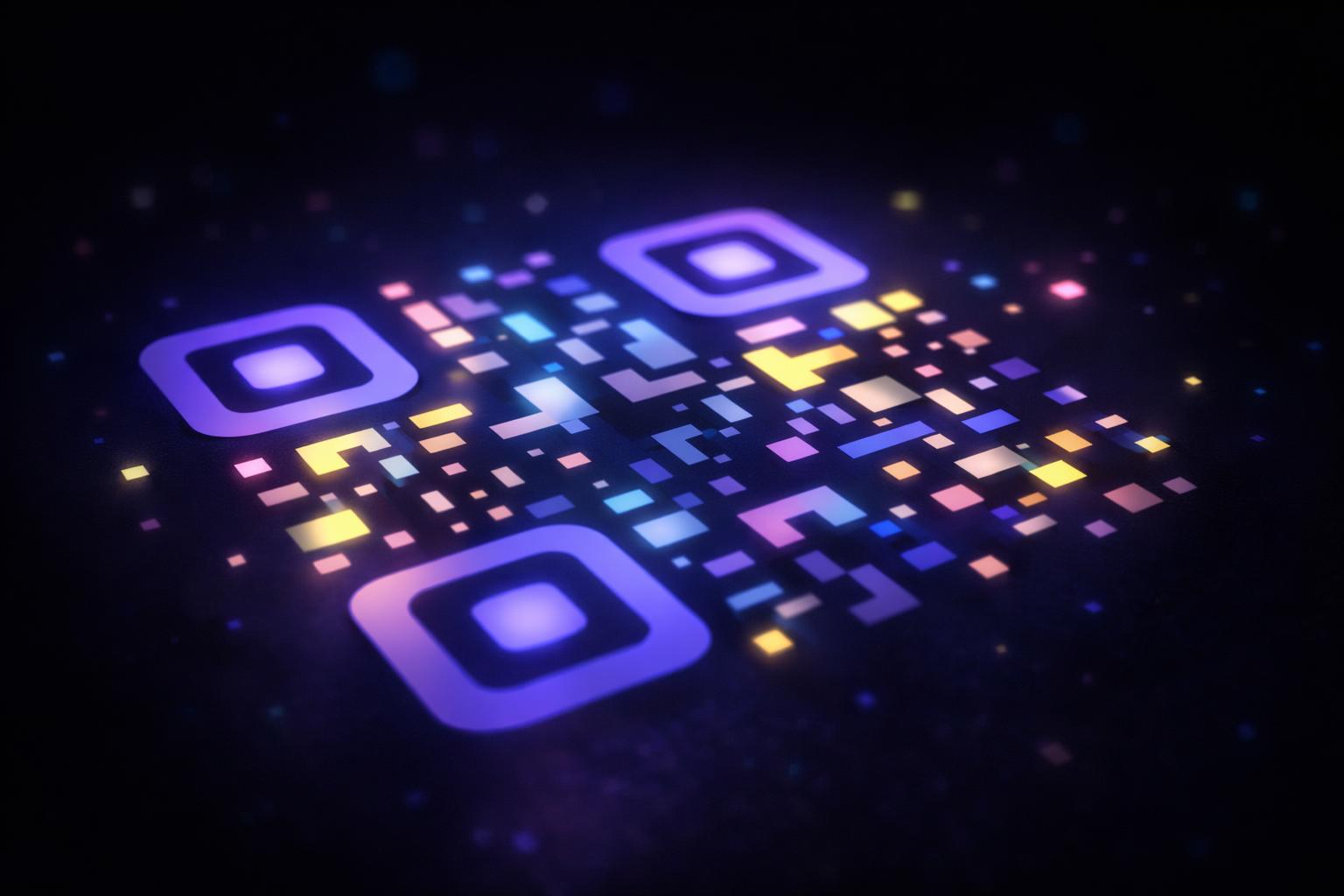
You have seen them on menus, posters, packaging, and the back of business cards. A little square of black-and-white dots that your phone camera turns into a link. But what actually is a QR code, and how does it work? Here is the plain version, plus how to make your own.
And they are not a fad. Over two-thirds of consumers have used a QR code in the past year, and roughly 102 million people in the US are projected to scan one in 2026 (Wave Connect, 2026). Restaurants and hospitality lead adoption at around 75 percent. So whether you want to understand the square on your coffee cup or put one to work for your own business, it pays to know how they actually function.
What a QR code actually is
QR stands for "Quick Response." It is a type of barcode that stores information in two directions, across and down, instead of just the left-to-right stripes of an old supermarket barcode. That two-dimensional layout is why a QR code can hold a lot more than a regular barcode. A web link, some text, WiFi login details, contact info, all of it fits in that little square.
QR codes were invented in 1994 by a Japanese company called Denso Wave to track car parts on a production line. They needed something a scanner could read fast and from any angle. That is the same reason they work so well today on a phone.
A standard barcode holds maybe a dozen digits. A QR code can hold thousands of characters. That jump in capacity is what turned a factory tool into the everyday link-sharing square you see now.
How scanning works
When you point your camera at a QR code, three things happen in about half a second:
- The camera finds the three big squares in the corners. Those are position markers that tell the scanner where the code is and which way up it sits.
- It reads the grid of dots between them and decodes the pattern into raw data.
- Built-in error correction fixes any dots that are smudged, scratched, or blocked. A QR code can still work with up to 30 percent of it damaged, which is why a logo in the middle does not break it.
Then your phone does whatever the data says. Usually that means opening a website. On most phones made in the last several years you do not even need an app. The camera handles it.
The main benefit is removing friction. Typing a long URL on a phone keyboard is slow and error-prone. Pointing a camera is instant. That single second of saved effort is why QR codes spread so fast.
The anatomy of a QR code
Those dots are not random. Every QR code has a few functional parts:
- Finder patterns: the three large squares in the corners. They tell the scanner where the code is and which way it is rotated, so it reads correctly from any angle.
- Alignment and timing patterns: smaller markers that keep the grid straight, even on a curved surface like a bottle.
- Data modules: the rest of the dots, which hold your actual information.
- The quiet zone: the empty margin around the code. Scanners need it to tell where the code ends.
QR codes come in 40 versions, from a small 21x21 grid up to a dense 177x177 grid. The more data you store, the bigger the grid gets.
Why a smudged code still works
QR codes have error correction built in, using a method called Reed-Solomon. In plain terms, the code stores some of its data more than once. If part of the code is scratched, smudged, or covered, the scanner reconstructs the missing pieces from the redundant copies. A code can lose up to about 30 percent of its surface and still scan. That redundancy is exactly why you can drop a logo in the middle of a QR code without breaking it.
What you can put in a QR code
QR codes are flexible. The most common types are:
- A website link (by far the most popular).
- WiFi network details, so a guest can join without typing a password. See how to make a WiFi QR code.
- Contact details (a vCard) that save straight to a phone's address book.
- Plain text, an email address, a phone number, or an SMS message.
- A link to a menu, PDF, review page, app store listing, or social profile.
Static vs dynamic: the one thing most people miss
Here is the part that trips people up. There are two kinds of QR code, and the difference matters a lot once you print one.
A static QR code has the destination baked into the dots themselves. The link is the code. That is fine for a quick one-off, but it has two big downsides: you can never change where it points, and you cannot see how many people scanned it.
A dynamic QR code stores a short redirect link instead. When someone scans it, they hit a tiny middle step that forwards them to wherever you want, and you can change that destination anytime without reprinting. You also get to see every scan: how many, when, where, and on what device.
If you are printing something, putting a code on packaging, or running any kind of campaign, dynamic is almost always the right call. We break down the full comparison in Dynamic vs Static QR Codes: Which Do You Need?.
Want a QR code you can change later? Make a dynamic code with QRhubly, edit the destination anytime, and see every scan. Free to start, no card.
Try dynamic freeA quick safety note: watch for fake codes
Because QR codes are easy to make, scammers sometimes paste a fake code over a real one (on a parking meter or a poster) to send people to a malicious site. This is called "quishing," and it became a real concern in 2025. Two simple habits keep you safe: check the preview URL your phone shows before you tap it, and be wary of any code that asks for a payment or a login on a page you did not expect. A legitimate QR code just takes you where you would expect to go.
How to make a QR code (free, under a minute)
You do not need to pay or install anything to make a basic QR code:
- Open a QR code generator (the QRhubly free generator runs right in your browser).
- Pick what it should do: a link, WiFi, text, contact, and so on.
- Type in the details.
- Style it if you want: colors, a logo in the middle, rounded dots.
- Download the PNG or SVG and use it anywhere.
That gives you a static code, which is perfect for testing. When you want to edit the destination later or track scans, you create a dynamic code from a free account instead.
Common mistakes to avoid
- Too little contrast. Light dots on a light background will not scan. Keep it dark-on-light.
- Too small. A printed code under about 2 cm square is hard for cameras to read from a normal distance.
- No quiet zone. Leave a margin of empty space around the code. Crowding it with text breaks scanning.
- Printing a static code you will need to change. This is the big one. If the link ever changes, a static code is dead and you have to reprint everything.
Frequently asked questions
Do I need an app to scan a QR code? On most modern iPhones and Android phones, no. Just open the camera and point it at the code. Older phones may need a free scanner app.
Do QR codes expire? The code pattern itself does not expire. But a static code points at a fixed link forever, and a dynamic code stays live based on your plan. With QRhubly's free trial, dynamic codes are live for 7 days or 50 scans, then pause until you subscribe.
Can I change where a QR code points after I print it? Only if it is a dynamic code. A static code is locked to its original link. This is the main reason to use dynamic codes for anything printed.
Are QR codes free to make? Yes. Making a basic static QR code is free everywhere, including QRhubly. You only pay if you want dynamic codes with editable destinations and scan analytics.
How much data can a QR code hold? A lot more than a barcode: up to several thousand characters depending on the version and content type. For most uses (a link, WiFi details, a contact card) you are nowhere near the limit, and the code stays small and easy to scan.
Are QR codes safe to scan? Generally yes. The risk is not the code itself but where it points. Check the URL preview before tapping, and avoid codes that have clearly been stuck over another one.
Make one now
Try the free generator to get a feel for it, and create a free account when you want a code you can edit and track.
Related guides
Make a QR code you can edit and track
Create dynamic QR codes, change the destination anytime, and see every scan. Free to start, no card.